How to Auto-Reply to Instagram Comments Asking Price, Size & Shipping
'How much?' 'What size?' 'Do you ship to...?' Answer the same comment questions automatically with keyword DMs, intent playbooks and saved FAQ answers.

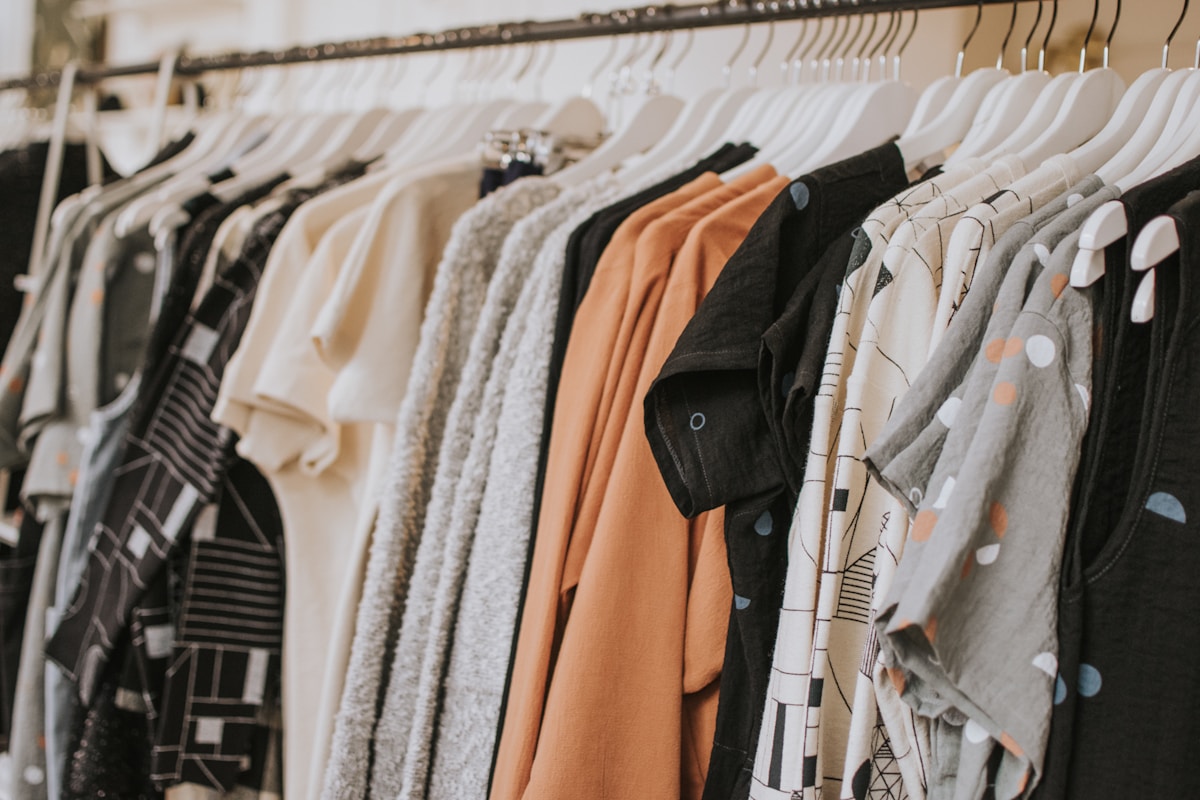
If you sell anything on Instagram, you know the comment section: "price?", "what size is she wearing?", "do you ship to Canada?" Five or six questions account for most of it, and you answer each one by hand, dozens of times, usually late at night. Automating replies to those comments doesn't mean sounding like a robot. It means answering the same question well, once, and letting it work for everyone who asks.
Three ways to auto-reply to Instagram comments
- A keyword automation (every plan). "Comment PRICE and I'll DM you the details." The person types the keyword and the DM arrives. It's the simplest and most reliable, and it works on the free plan (one active automation at a time).
- An intent playbook (Max). No keyword needed. IG Suite reads a comment, works out whether it's a sizing, shipping, pricing, buying or availability question, and sends the DM you wrote for that kind of question.
- A saved FAQ answer (Max). Write an answer to a repeated question once, mark it live, and it replies to matching comments and DMs.
Intent playbooks: the "what size?" DM
An intent playbook turns a question into a customised DM. You write the copy for each kind of question, add a link button (a size chart, a shipping policy or any page) and, optionally, a "Shop now" button for one of your store products. When a comment reads as a sizing question, the commenter gets your sizing DM, with the chart one tap away.
Whether or not it sends anything, the playbook also tags the commenter warm-lead, intent- plus the kind of question, and high-intent. Those tags are added on every plan, so even on the free plan you can search for the people who asked about buying. Sending the DM itself needs Pro or Max, and it's off until you switch it on.
FAQ answers: say it once, use it everywhere
The same answer can power three places: the FAQ block on your page, the "They keep asking" tab on Signals, and automatic replies. Answer a repeated question once and turn on "Also answer this in my DMs". On Max, a comment that reads as a question an answer already covers gets your own answer, delivered in one of three ways: under the comment, by DM, or as a short public pointer plus a DM. If an answer looks like something Instagram would refuse in public (several links, a pile of hashtags, all caps or very long), it goes by DM with a short public pointer instead of failing.
Where to find them
Both live in Trial Bench, in the Insights section, on the Intent Signals and Community FAQ tabs, and they share one set of settings. Each tab has "Try it on a real comment", which shows what would be sent for a comment you paste in without posting or messaging anyone.
The rules that keep it from embarrassing you
A wrong reply in public costs more than a missed one, so the system is built to fail toward silence:
- One answer per comment. Instagram allows a single private reply per comment, and two answers is what this exists to prevent. When several things could answer, your own keyword automation wins, then a live FAQ answer, then an intent playbook. A comment that loses still tags the commenter.
- Off by default, and inert until it has something to send. A playbook with nothing to point at (a size chart that doesn't exist) does nothing.
- Ambiguous matches send nothing. Statements don't collect an answer, and replies inside a comment thread are left alone.
- A cap on volume. FAQ answers have an hourly ceiling (30 by default), so a viral post can't trigger a flood of public replies. Anything over is held, not sent.
- AI is optional. The AI options (refining intent, rephrasing a FAQ answer) are off by default because they send comment text to the AI provider. The core matching works without them.
- Privacy. Comment text and identity on these records are scrubbed after 90 days.
What not to automate
Complaints, refunds, "my order hasn't arrived" and anything emotional should reach a person. The Money Inbox files order and refund questions under "Question" and never auto-answers them, because a canned reply to a real problem makes it worse. Automate the questions with a single correct answer, and keep the rest human.
How to write answers that work
- Size: link the chart, then add one fit tip. "Runs true to size. If you're between sizes, size up. Chart: [link]."
- Shipping: state your real policy in one line, with countries and typical delivery times, and link the full policy.
- Price: give the price and the link to buy. If you'd rather not post a price publicly, answer by DM and use a short public pointer.
- Availability: say what's in stock and offer a way to be told when it's back, ideally by email so you're not relying on the DM window. See why that window matters.
Start simple
- Build one keyword automation first (PRICE or SIZE) so buyers have an obvious path. Our comment-to-DM guide walks through it.
- Collect the questions people actually ask. Signals shows the ones that repeat. See what your DMs are telling you.
- Write your answers, test them with "Try it on a real comment", and switch on the playbook.
- Watch the activity for a week, then tighten anything that read oddly.
To turn those replies into sales, pair them with product carousels in DMs. knit.bio's IG Suite tags high-intent commenters on every plan and sends the replies on Pro and Max. See how it works, or start free.